FiveM (GTA 5)
Introduction
In this guide, we will explain and show you how to set up your FiveM-server.
To use your Server you need a FiveM_License.
Settings
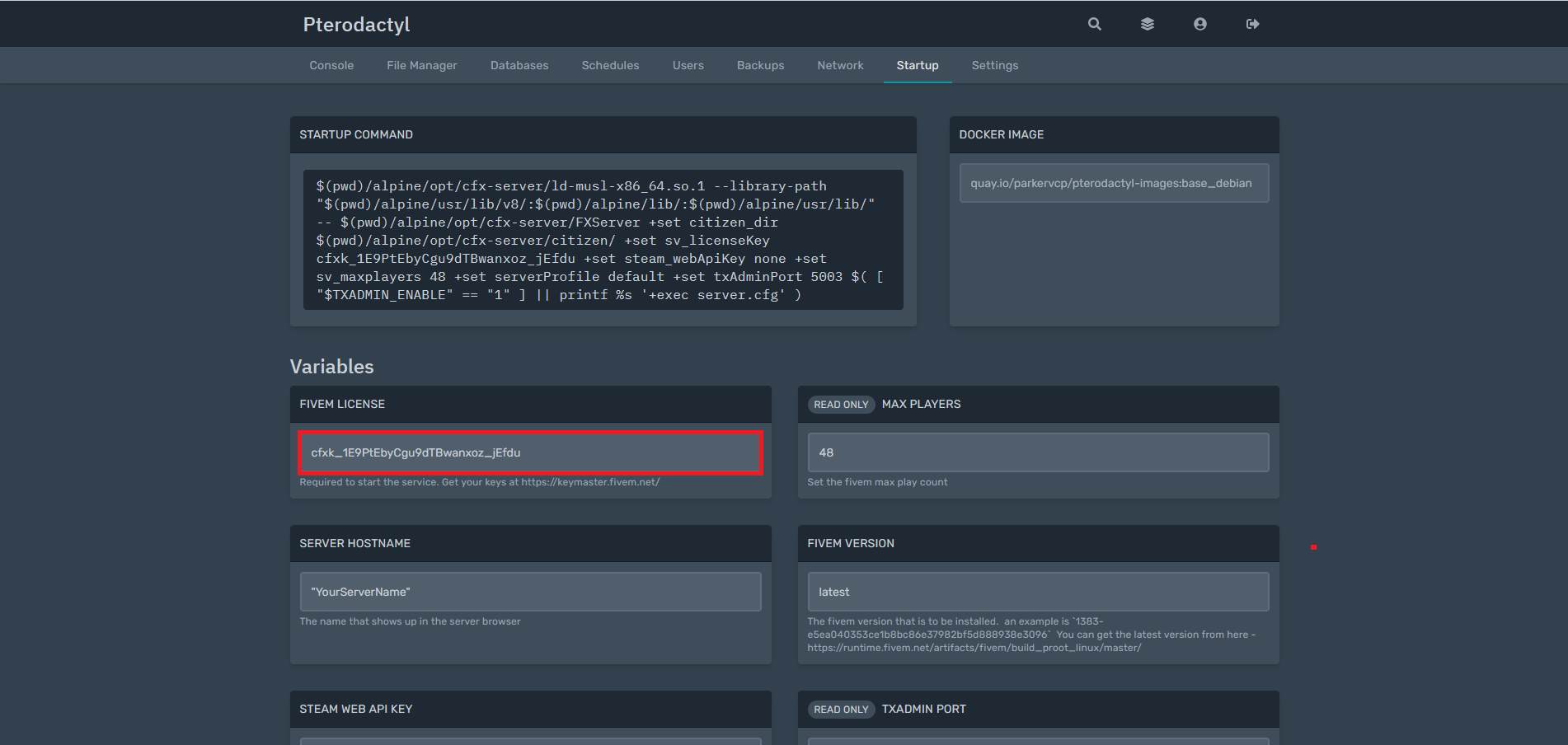
To do this, go to Startup in My-Panel and copy the highlighted link into your browser.
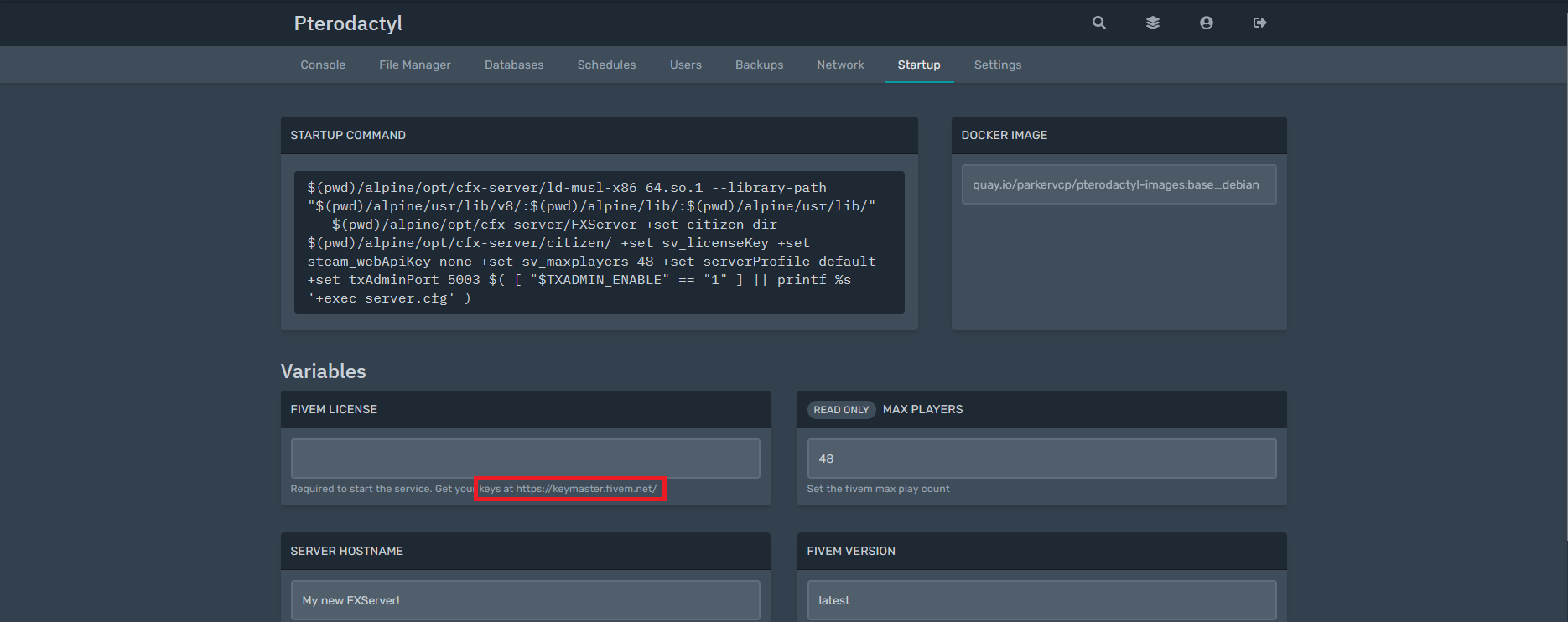
In order for your server to be licensed, it needs a key. For this you need to register at "Cfx.re Keymaster" and then you can create a Key.
(Do not worry. It costs nothing)
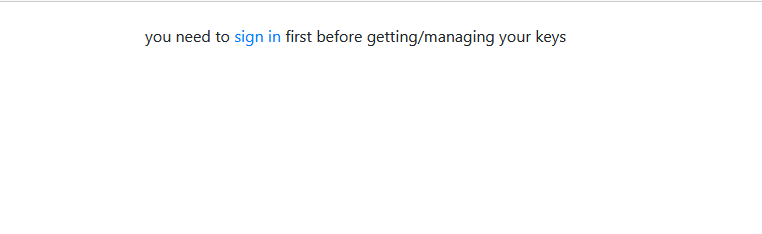
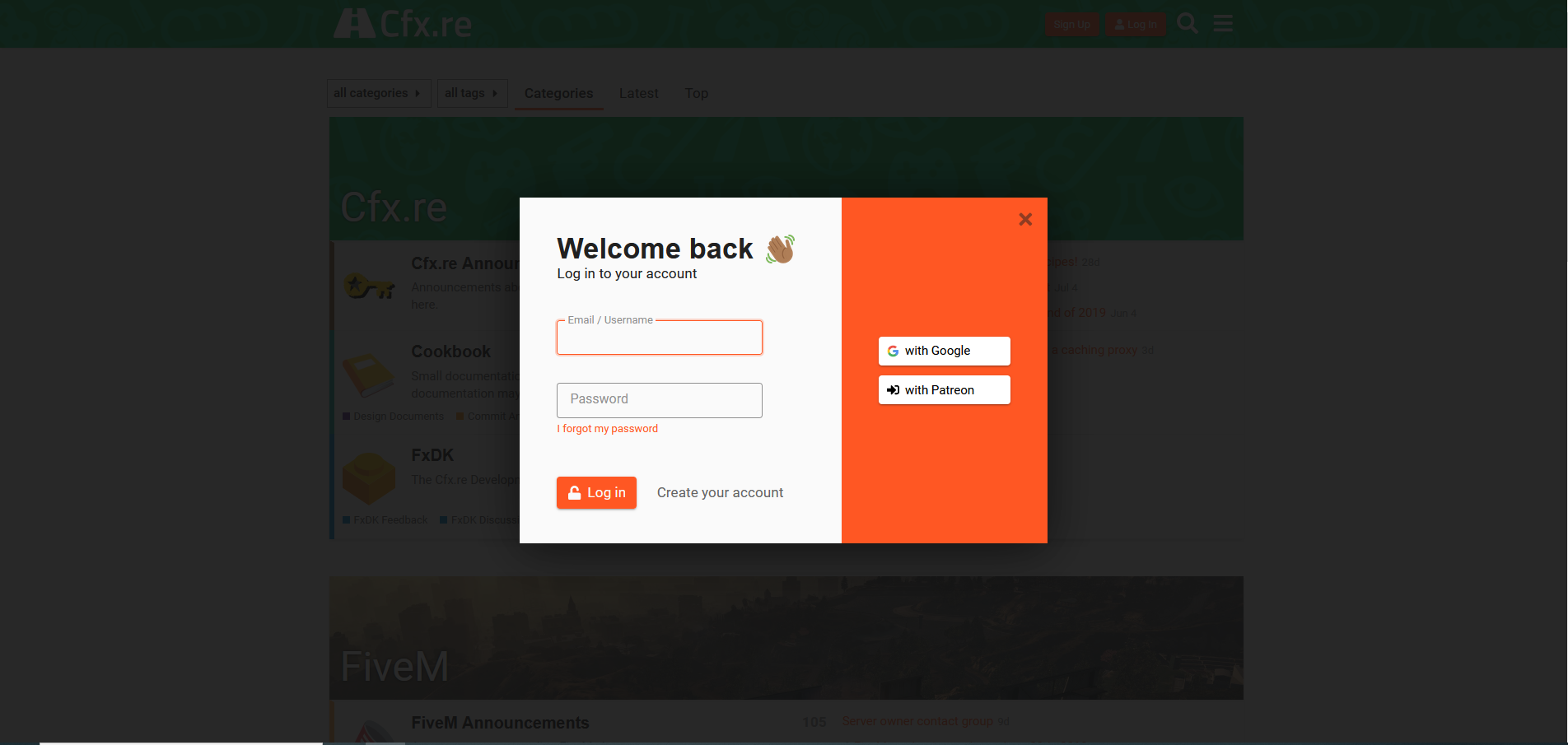
If you do not have an account yet, click the blue " register " link. Once logged in, you can create up to three free keys.
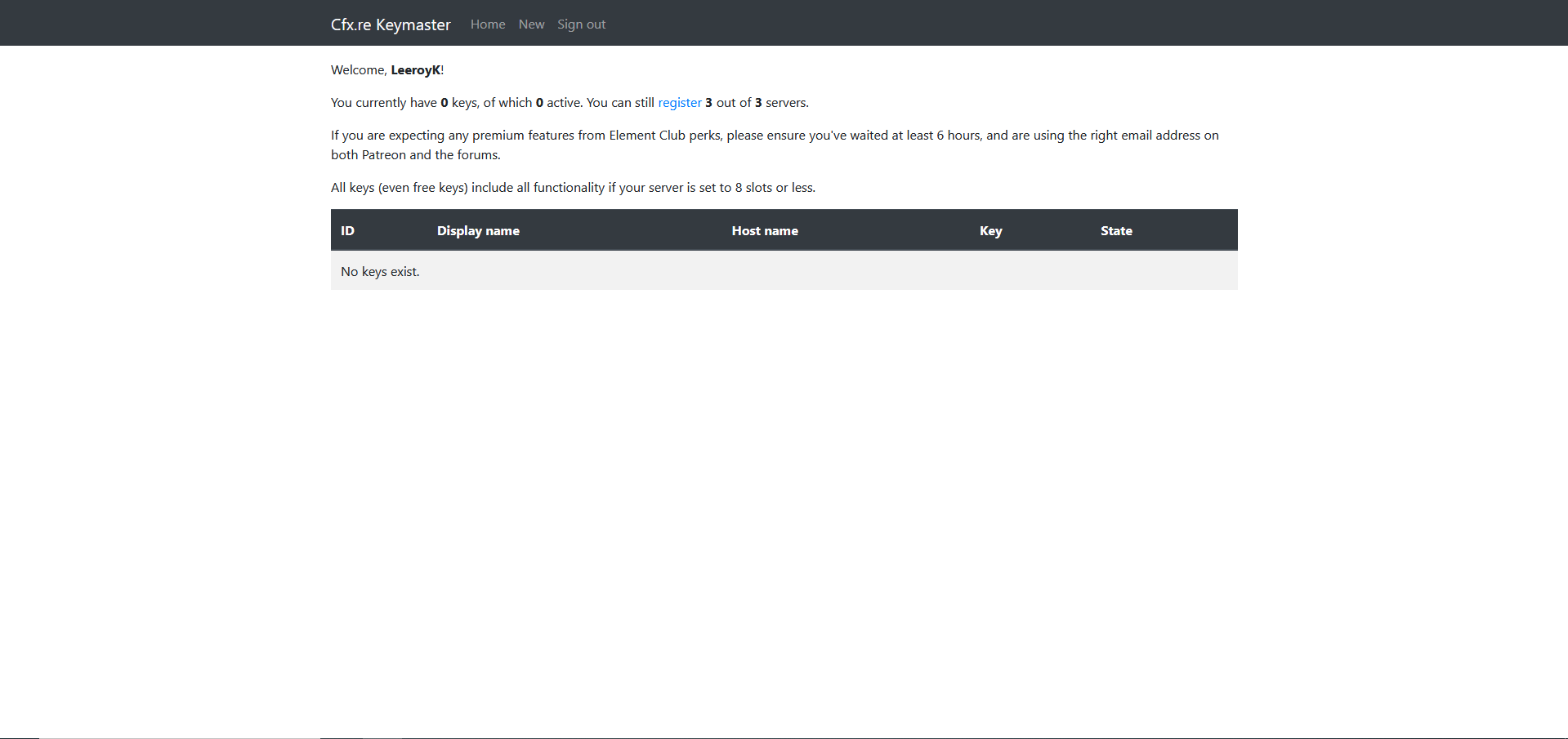
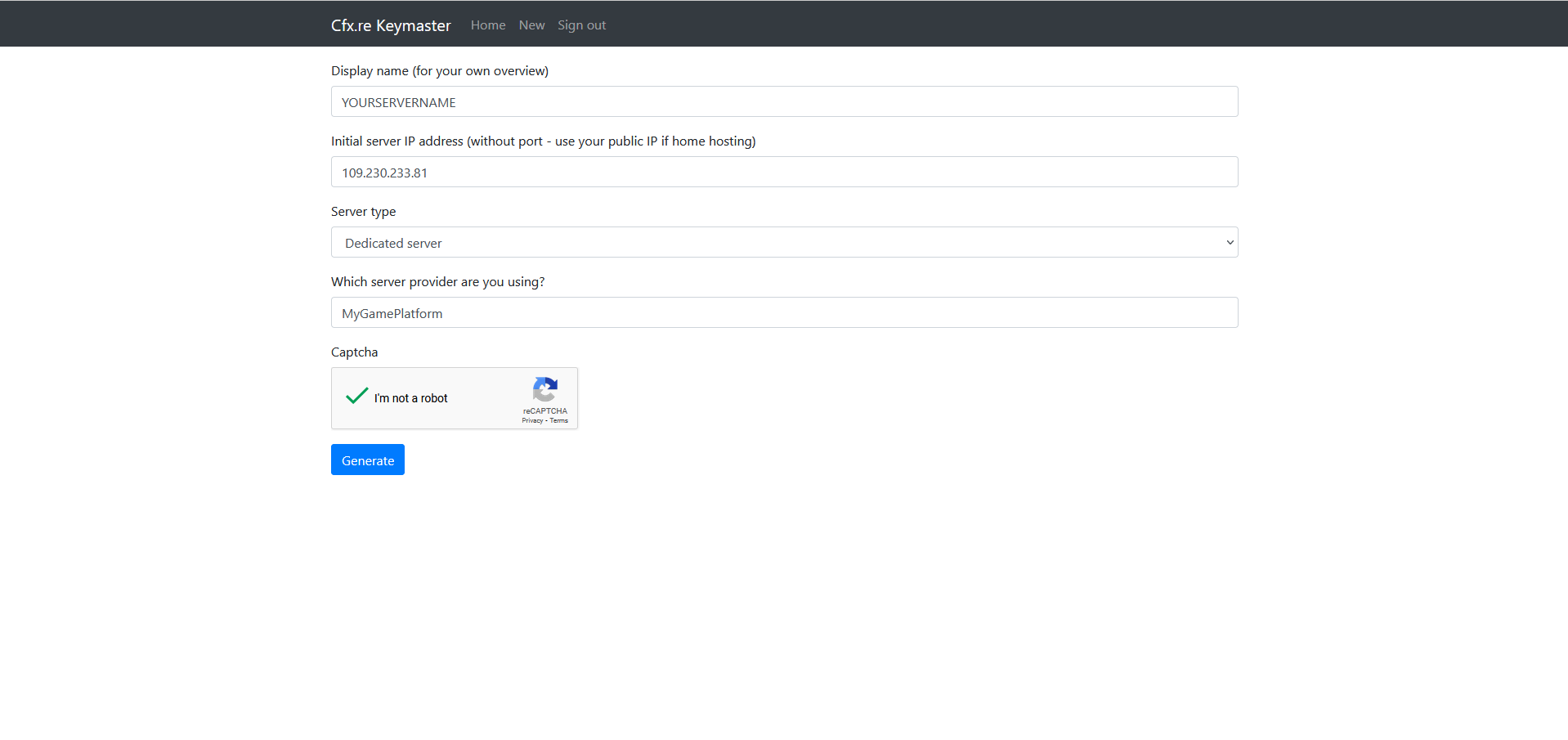
Now enter all the necessary Data:
from top to bottom:
the name of your server
the IP of your server (see below)
choose "dedicated server"
enter "mygameplatform"
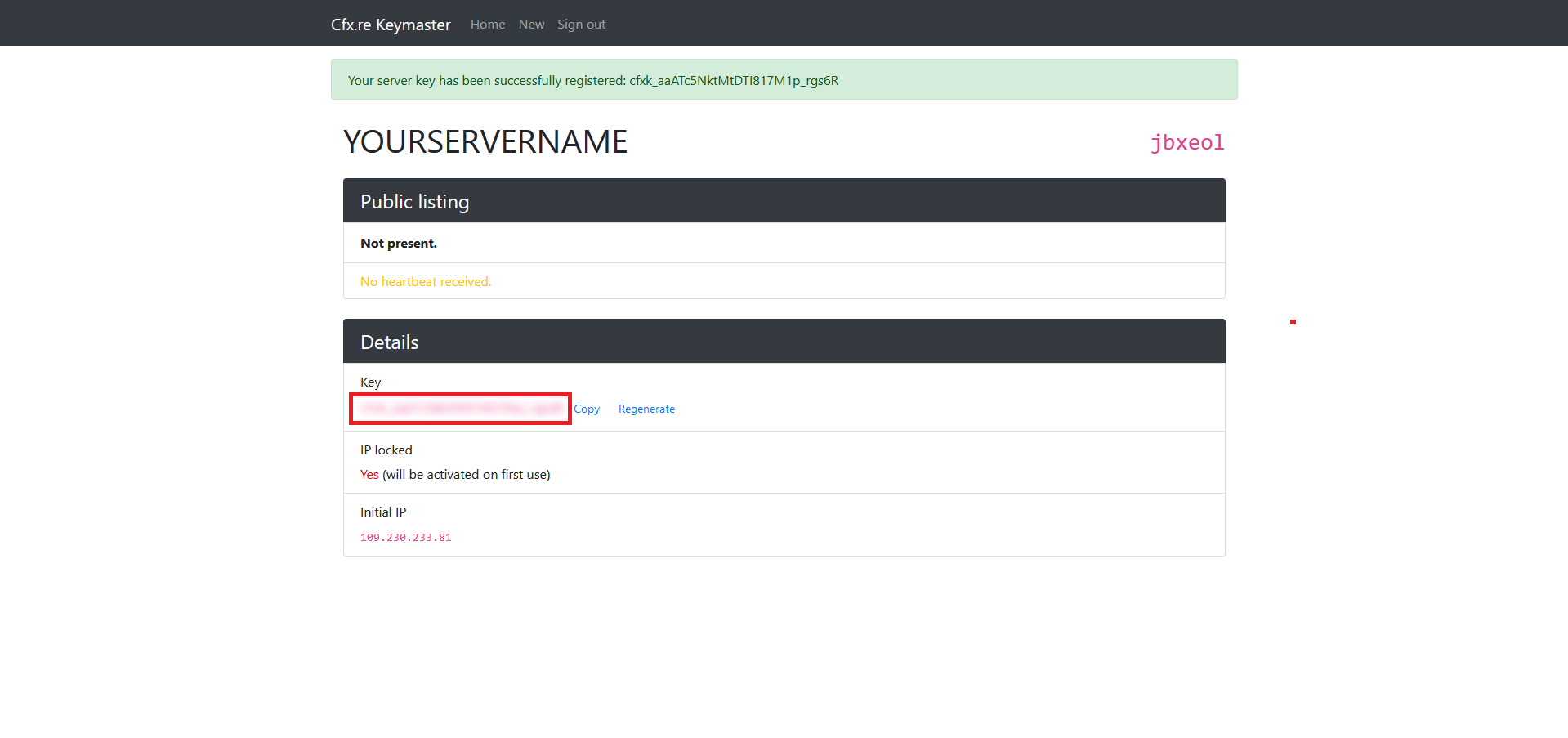
Copy the generated link and paste it into startup.
27 September 2026