Project Zomboid
Introduction
In this guide we will show you how to configure your Project Zomboid server.
Project Zomboid configuration depends on 4 files found in /home/container/.cache/Server
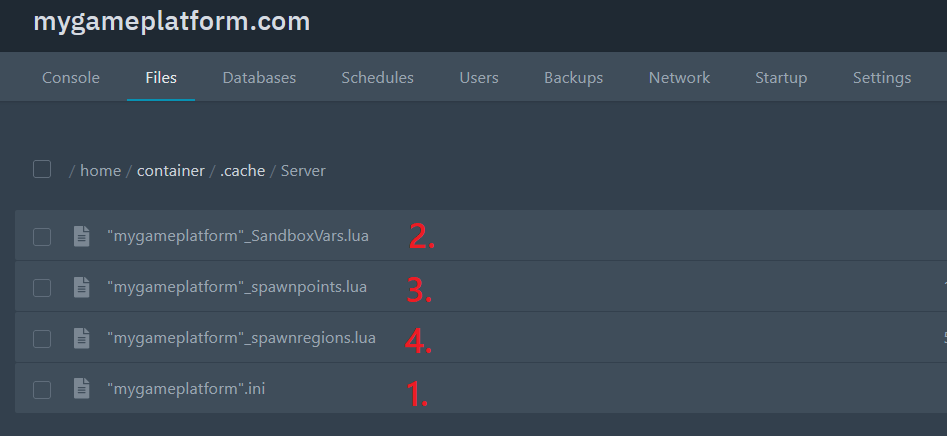
Your_File_Name.ini: Basic server config controlling things like server name, password and moreSandboxVars.lua: used for controlling gamestate, like number of zombies, amount of gas, brightness of night, perk points, etcSpawnpoints.lua: Controls where you allow players to spawn in the worldSpawn_regions.lua: What regions exist in the world. If you add custom map portions, this file should be edited automatically
Your_File_Name.ini
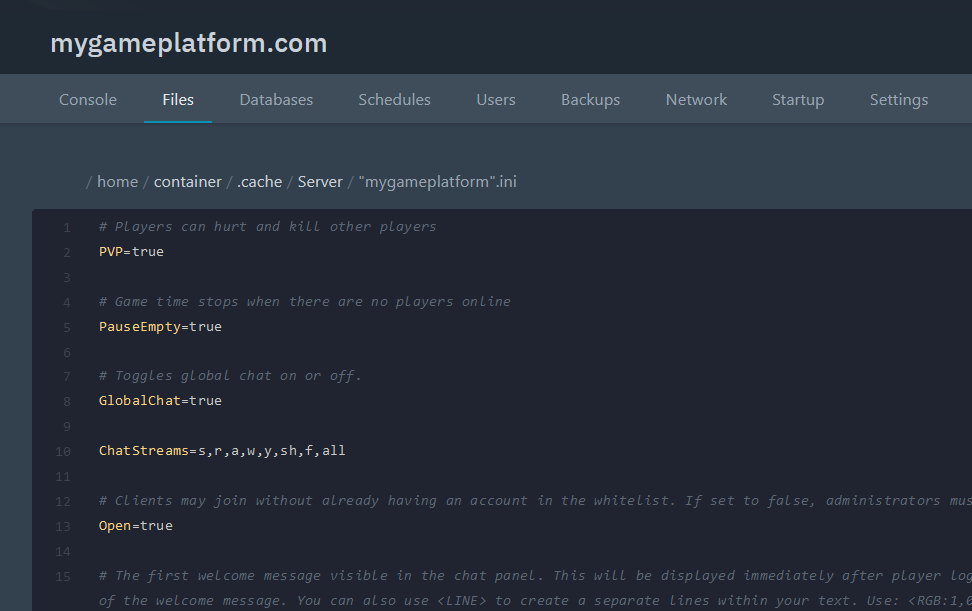
Open the file to customize your server to your liking.
SandboxVars.lua
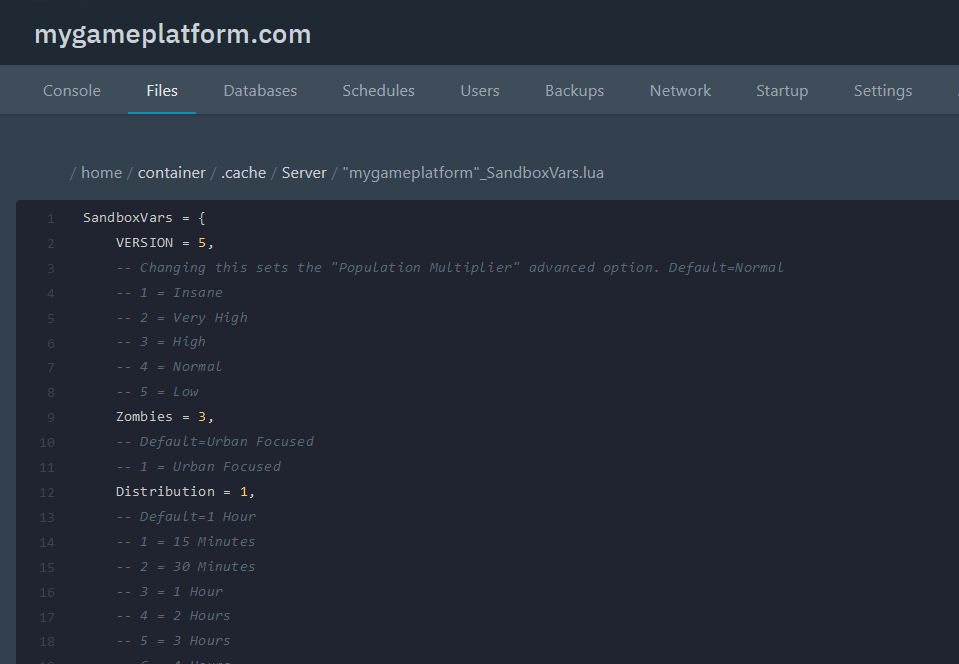
This file is used for controlling gamestate, like number of zombies, amount of gas, the brightness of night, perk points and more.
Spawnpoints.lua
This file contains the coordinates of the spawn points where you respawn when you die.
How to become an admin on Project Zomboid
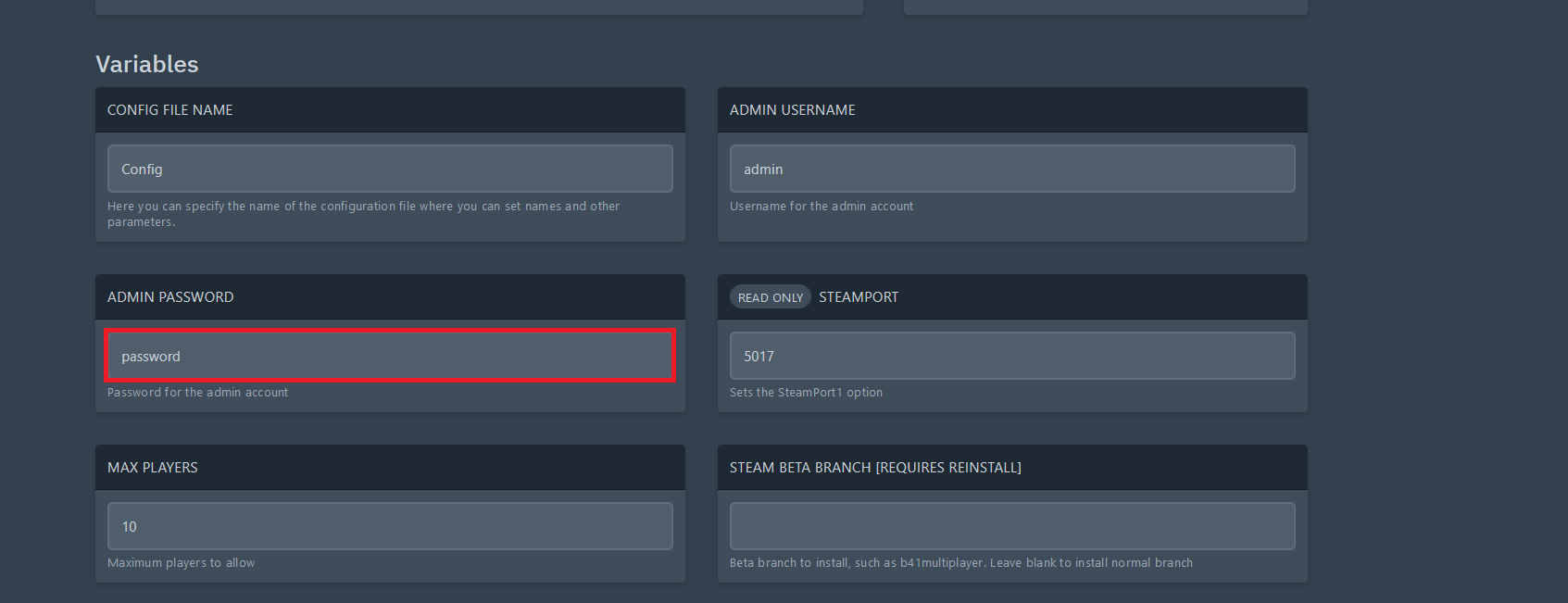
Set your server admin password
Join the Server with your Admin Password
How to reset a broken Project Zomboid character without affecting other players’ characters
Character file broken, and you are unable to re-create new characters in Project Zomboid server?
This guide will show you how to reset a broken character without affecting other players’ characters.
Locate the
players.dbfile on your server:/home/container/.cache/Saves/Multiplayer/Your_Server_Name/players.dbDownload the
players.dbfile to your computer.You then need a DB file reader. In this guide we use sqlitebrowser. Install it and click on Open database.
Select the network players and search for the defective character file of a specific player. You can now select and delete the specific player.
Save the file and reupload it to the server.
Reboot the server, and you should be able to create new characters.