Day of Dragons
Introduction
This guide will walk you through the process of setting up your Day of Dragons Gameserver.
Game.ini
Path: /home/container/Dragons/Saved/Config/LinuxServer/Game.ini
The Game.ini file allows you to configure basic server settings such as:
MaxPlayersCorpseDespawnTimeAutoSaveSecondsMaxClanMembersMaxClansDisablePVPRoleplayEnableGroupDamageAlwaysShowAdminTagsAlwaysShowPlayerTagsand more...
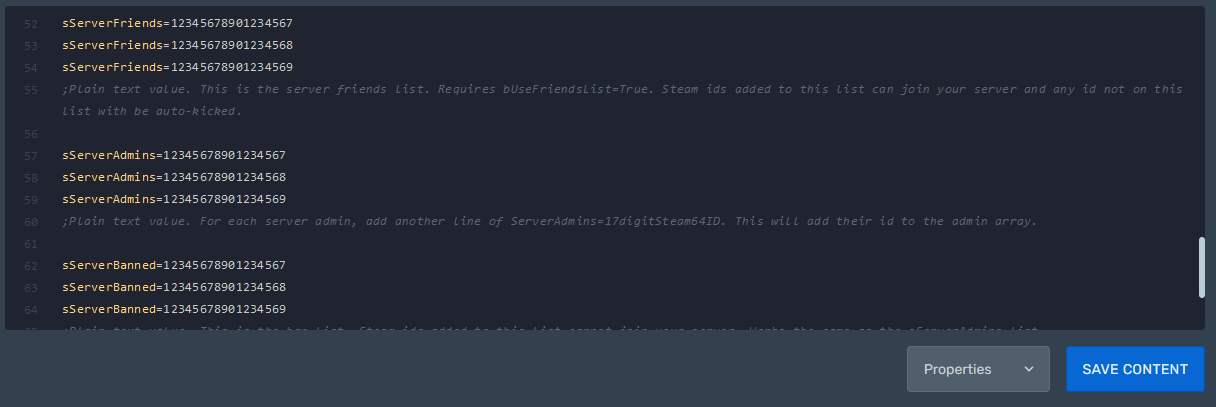
You can also specify the Steam-IDs of players who are allowed to join (for private servers), admins, and those who are banned.
Administration
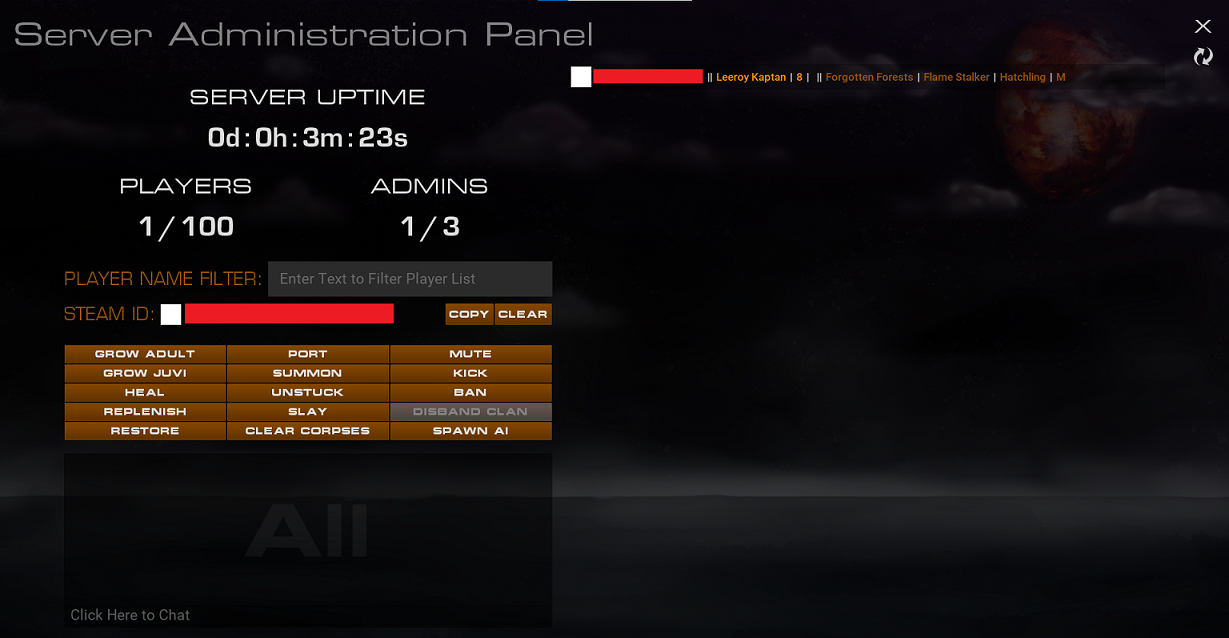
To access the in-game admin panel, use the command /admin.
Path: /home/container/Dragons/Saved/Config/LinuxServer/Game.ini
If your server has an admin password, enter it as follows: /admin <yourpassword>.
If you don't want an admin password, simply leave it blank.

