DayZ
Introduction
In this guide, we'll show you how to set up your DayZ server.
Installing server files
To download the server files, follow these steps:
Add a Steam account
Add your Steam account in the server settings. This will give you access to the required files.
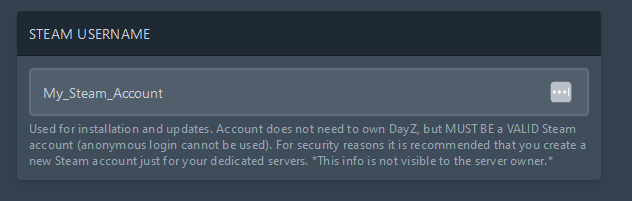
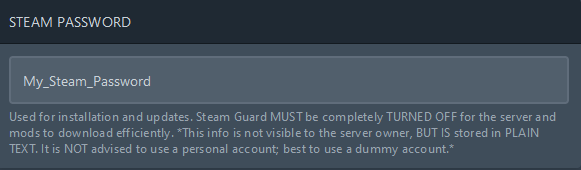
Start the server to begin downloading the files.
Remove Steam account
After the files have been downloaded, remove your Steam account and password from the settings.
Enter
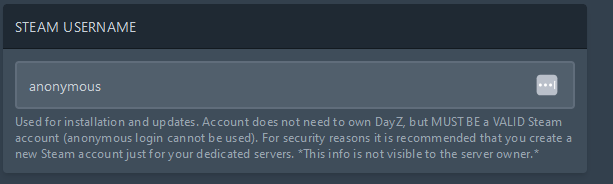
anonymousas user
Now replace the Steam login data with the user anonymous to be able to operate the server without a personal account.
Configure your DayZ server
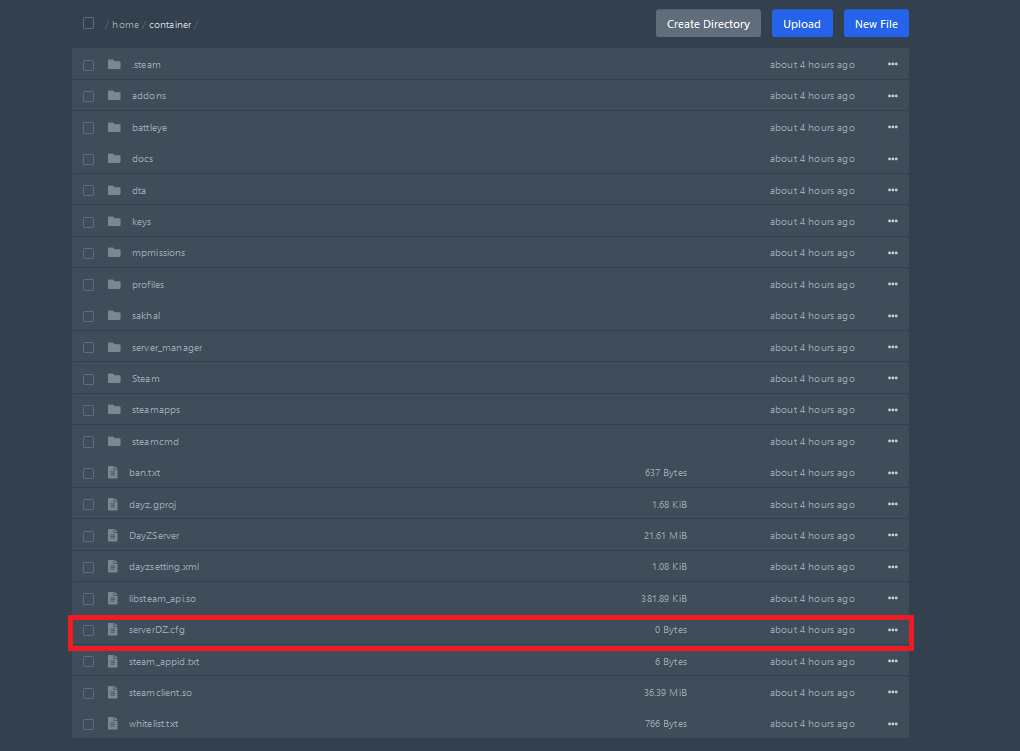
In the path /home/container/serverDZ.cfg you can customize your config.
Example Config
Open /home/container/battleye/BEServer_x64.cfg and insert the example below.
Example BEServer_x64.cfg
DayZ Admin
To use an admin command, you must open the console. You do this by pressing the chat button. You can then enter the following commands and confirm with the “Enter” key. An admin command always starts with the “#” symbol.
Command | Description |
|---|---|
#login | Log in as an administrator. You don't need a password if you are listed as an admin in the serverDZ.cfg. |
#logout | Log out as an administrator. |
#mission file name | Select the mission by its known name. |
#mission file name Difficulty | Select the mission by its known name and set the difficulty. The difficulty parameter is optional, and if not set, the current difficulty is retained. |
#missions | Select a mission. |
#restart | Restart the mission. |
#reassign | Start over and redistribute roles. |
#shutdown | Shut down the server immediately. |
#restartserver | Shut down and restart the server immediately. |
#shutdownserveraftermission | Shut down the server after the mission is completed. |
#restartserveraftermission | Shut down and restart the server after the mission is completed. |
#init | Reload the server configuration file loaded with the -configuration option. |
#exec ban Name | Ban a player by name. The banned player's ID is recorded in the ban.txt file. |
#exec ban ID | Ban a player by ID. The banned player's ID is recorded in the ban.txt file. |
#exec ban #Player | Ban a player by Player ID. The banned player's ID is recorded in the ban.txt file. |
#kick Name | Kick a player from the server by name. |
#kick ID | Kick a player from the server by ID. |
#kick #Player | Kick a player from the server by Player ID. |
#monitor (interval in seconds) | Monitor server information. An interval of 0 stops the monitoring. |
#monitords (interval in seconds) | Display performance information on the dedicated server console. An interval of 0 stops the monitoring. |
#debug off | Turn off debugging. |
#debug (interval in seconds) | The default interval is 10 seconds. |
#debug (command) (param) | Available DayZ admin commands: checkFile, userSent, userInfo, userQueue, totalSent, JIPQueue. Each command can be disabled with the "off" parameter, e.g., |
#debug (command) | Usable commands: Console (sends to the sender what is on the server console), von (output to the logFile defined in the server.cfg, e.g., logFile=server_console.log"). |
Commands for BattlEye
Command | Description | Example |
|---|---|---|
#beclient players | Lists the BE GUIDs of the players |
|
#beclient guid | Shows your own BE GUID |
|
Install mods on your DayZ server
coming soon ...