Satisfactory

Introduction
In this guide, we will show you how to join your server and how to upload saved games to your server.
How to Join your Server
Log in to the game panel and obtain your IP address and port.
Start Satisfactory and click on Server Manager.
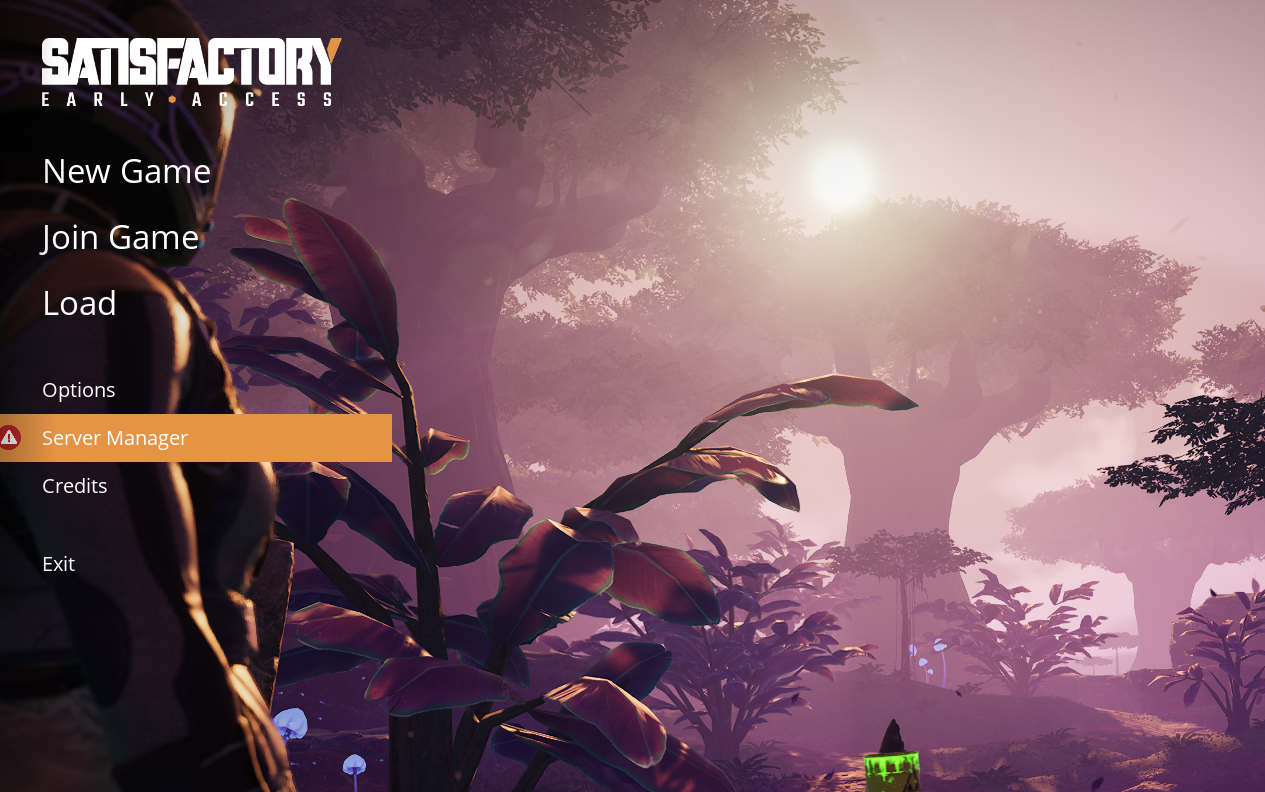
Select Add server at the bottom right.

Add the IP and port as shown and make sure you see the third query port for the connection.
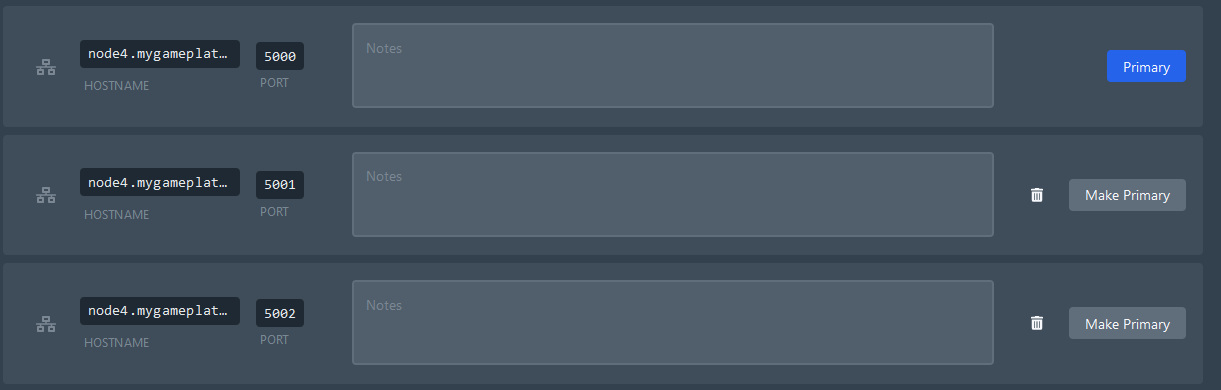
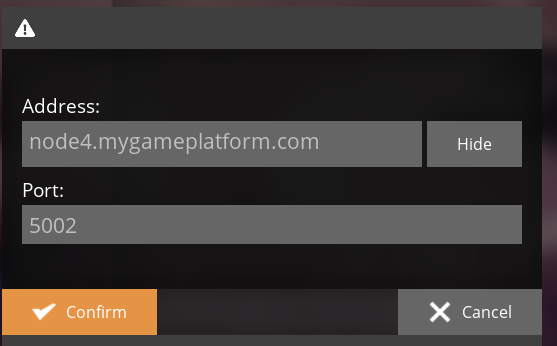
As soon as you have confirmed this, you can join the Satisfactory server
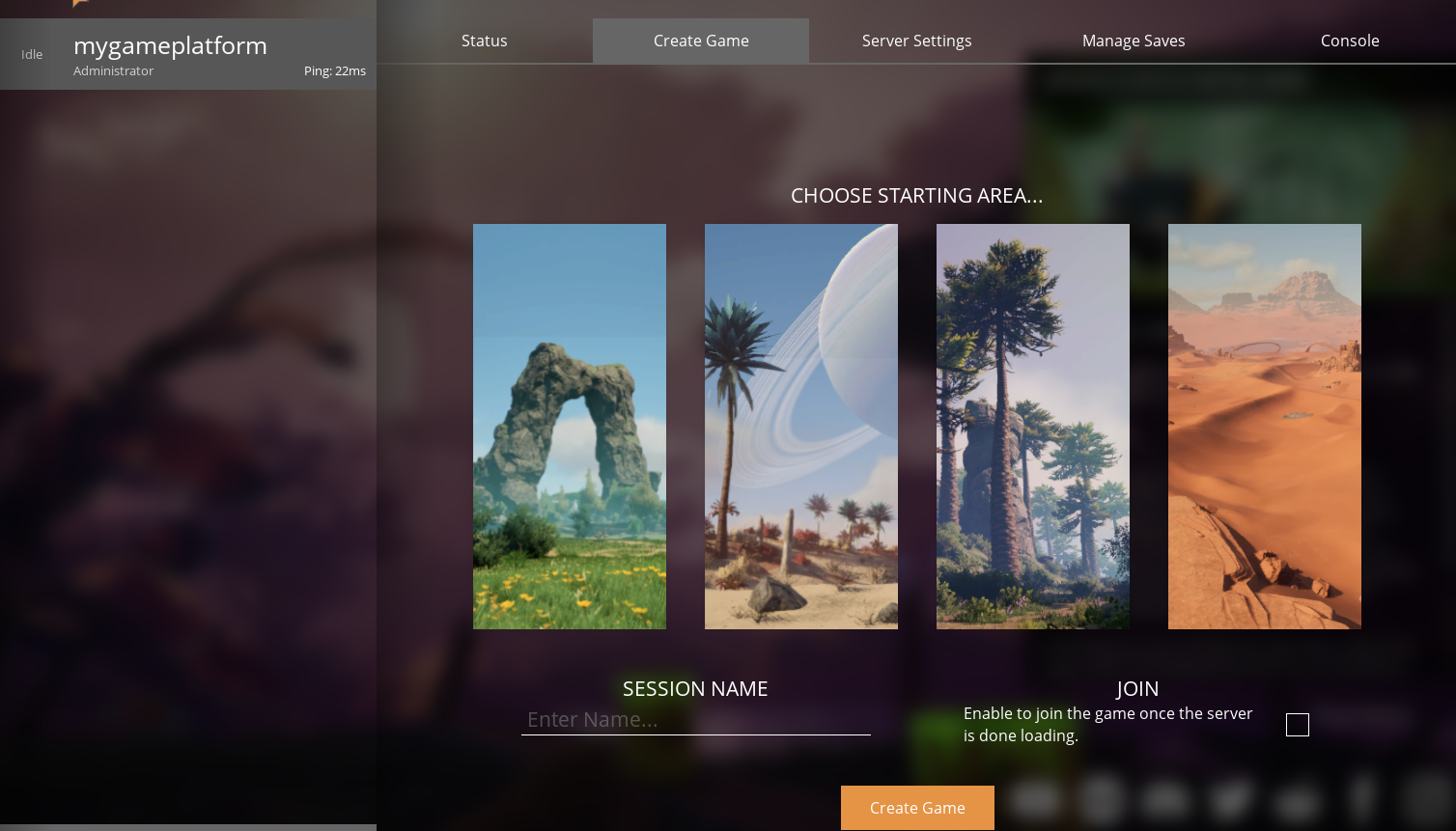
Uploading game saves to your server
Have you hosted a Satisfactory server and want to upload your game save? In this tutorial, we'll guide you through locating and uploading your Satisfactory game save to your server.
Simply navigate to the Save Game tab in the game interface, as illustrated below, to access your recent autosaves.
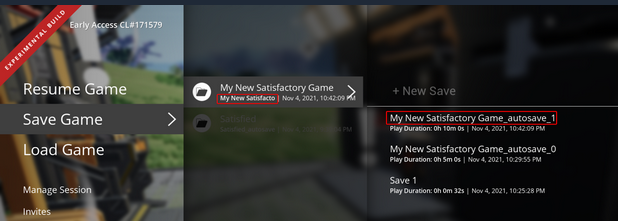
To open the save file location, look inside one of the folders below.
For both Steam and Epic Games version, the save files are located in:
Path: %localappdata%\FactoryGame\Saved\SaveGames\</code>
or
Path: C:\Users\<Windows username>\AppData\Local\FactoryGame\Saved\SaveGames\</code>
Take note that the Steam ID and the Epic ID may not be the same.
To quickly access this folder, just:
Hit WINDOWS + R on your keyboard to open the Run application
Paste
%localappdata%\FactoryGame\Saved\SaveGamesin the text fieldHit OK, and there you will be inside the Satisfactory game saves folder!
If you cannot find your Steam save folder (probably because you have owned the game in Epic and just bought the Steam copy recently), first start a new game with Steam, then save the new game. You should now be able to see your Steam save folder next to the Epic one. The Steam ID is usually shorter than the Epic ID. The folder location is stated above.
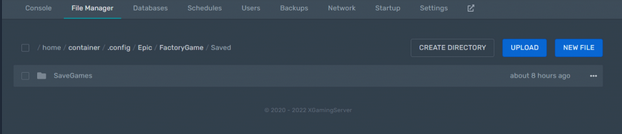
This is the folder in which you will upload the file.
Then you can simply drag and drop the save to upload it to your Satisfactory server.